
The Login Message policy enable Silo Administrators to configure a custom message to be displayed at the beginning of every Silo session.
Below are two types of login messages available:
Mandatory-Acceptance Message -- requires the end-user to acknowledge or accept the terms
General Message -- an informational message for general purpose use
Prerequisite
Silo Administrators must have permission to edit organization’s policies.
Note: Administrators can create only one (1) banner for any organization.
Steps
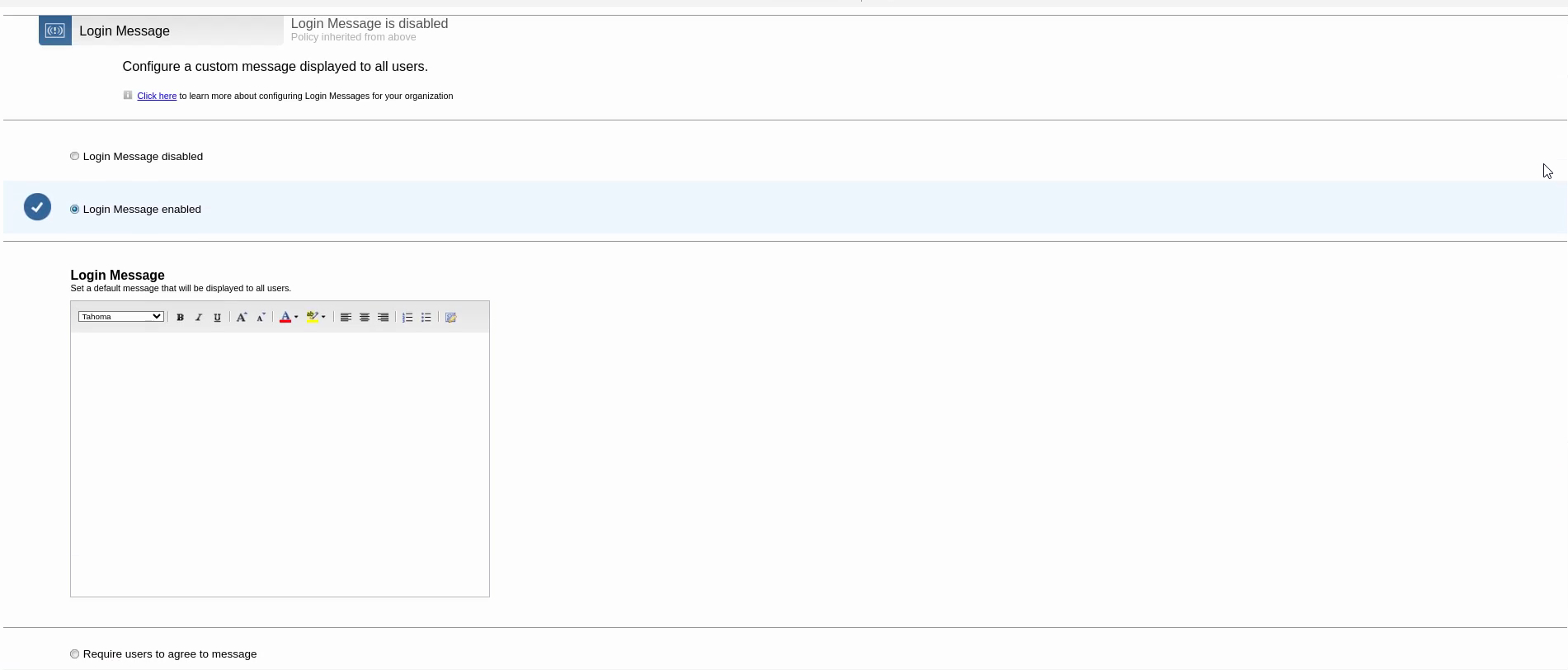
From the Silo Admin Console, navigate to Policies > Customization, then click Edit next to the Login Message policy

- Click the radio button for Login Message enabled to enable. If you do not wish for sub-orgs to override this policy, uncheck the box by Allow sub-organization policy override

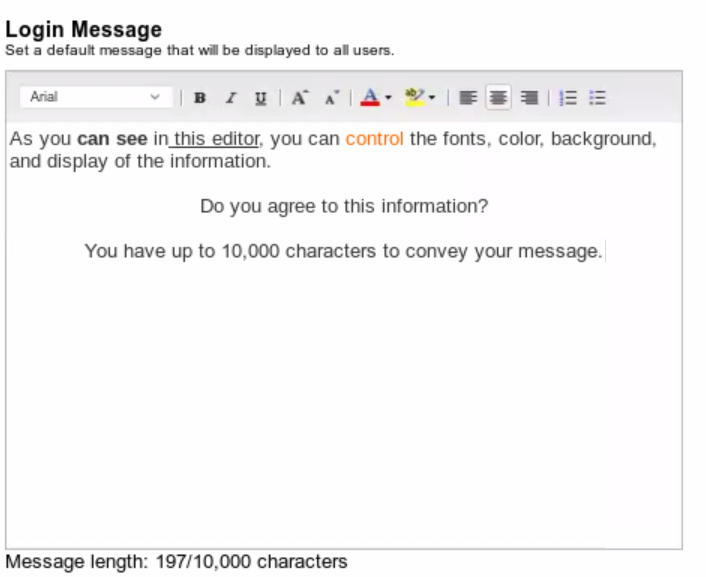
By enabling the Login Message, additional selections will be displayed, such as, the Message Editor, a choice to require end-users to agree to the message, and whether to display one time or always
Important: There is a limit of 10,000 characters for the message length
Click Save which will display a small window indicating: Success - Policy Updated...

The custom Login Message will be displayed at the next Silo log in

Please contact Support for any additional questions